Can't remember what CORS code to put in your startup.cs?
Published on
If you’ve built any ASP.NET Core Web APIs and then tried to call them from your front-end application, there’s a good chance you’ve run into the dreaded CORS error…
“No Access-Control-Allow-Origin header is present”
Well, to save you (and me!) from having to figure out what code to put in startup.cs to bypass this error, I’ve put together a site to do it for you.
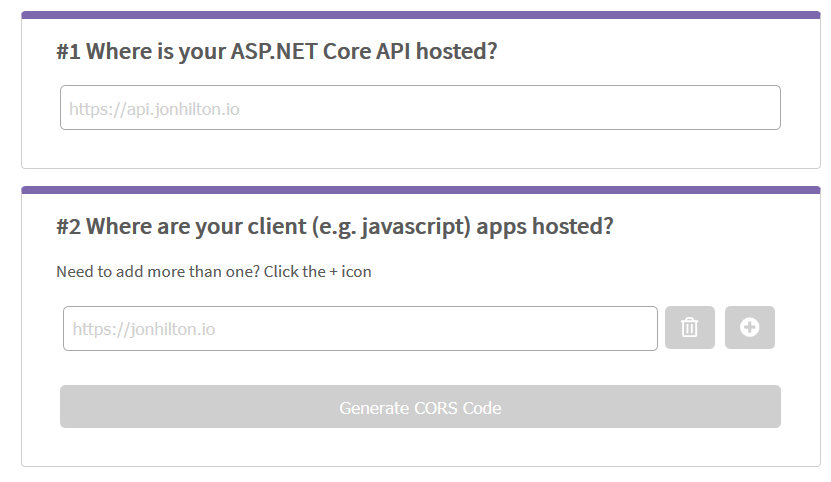
You can enter your API and one or more client URLs and it will generate the exact code you need to pop into your API’s startup.cs to make everything tick.
Head on over to https://corsdot.net to give it a whirl.
Your skills aren't becoming obsolete. They're becoming essential.
Practical engineering principles for building software that works - with or without AI.
Join 6,000+ developers. Hype-free.